
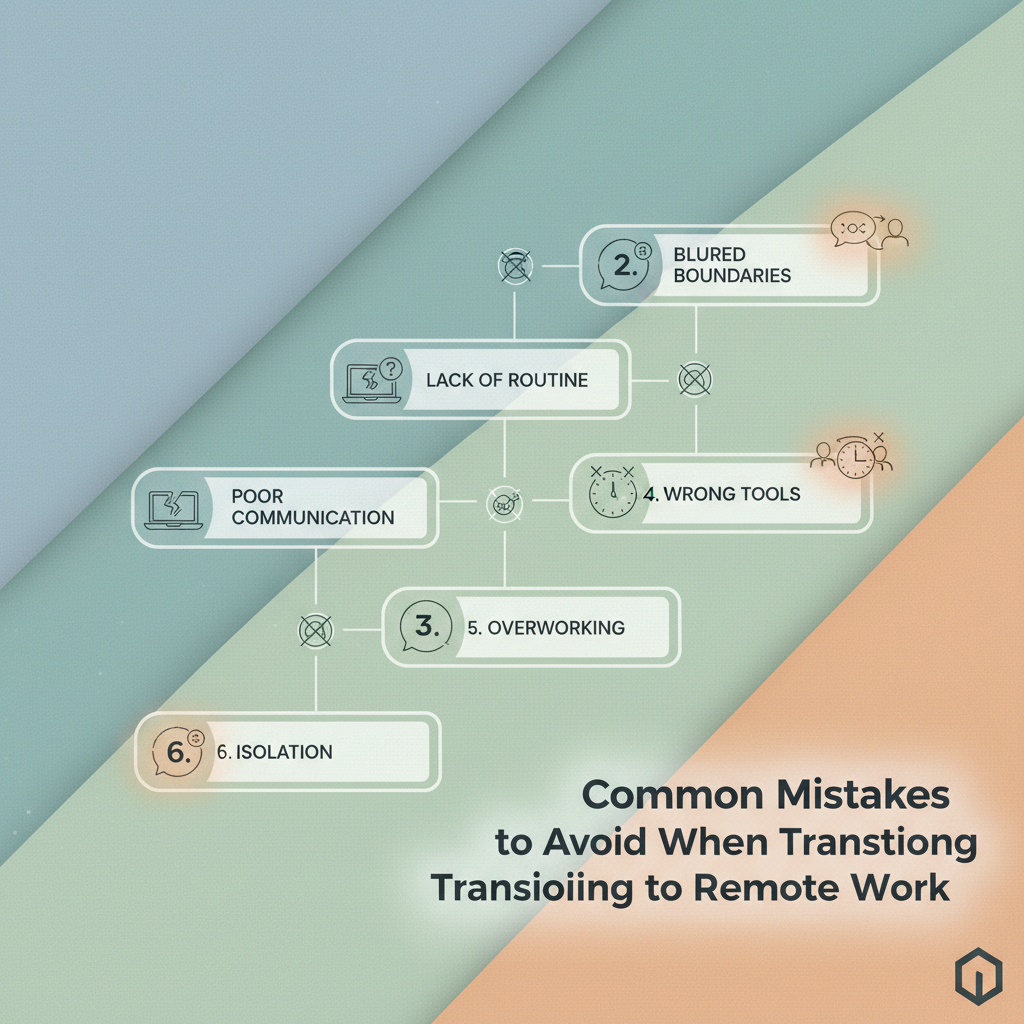
The first week at home often feels deceptively smooth.
Then the small stuff starts piling up: a missed message, a blurry schedule, a workday that quietly swallows dinner.
That is where most remote work mistakes begin.
People treat the transition to remote work like a location change, when it is really a habit change, a communication change, and often a mindset change too.
The trouble shows up fast.
Research consistently shows burnout rises when flexibility has no guardrails. The people who settle in well usually do the boring basics well—and they do them consistently.
The most common problems are rarely dramatic.
They are usually ordinary things done badly for too long: weak boundaries, unclear priorities, too many pings, and a belief that being visible online is the same as being productive.
Avoiding those pitfalls matters because remote work rewards structure, not just good intentions.
Quick Answer: Avoid remote work transition mistakes by treating it as a habit, communication, and structure change—not just a change of location—and build guardrails for setup, communication, and self-management. Ensure a dedicated workspace (chair/lighting/clutter) and a clear routine so missed messages and “busy-looking” behavior don’t replace real output. Use SurveyMonkey’s 2026 finding as a caution: remote workers were twice as likely to say management trusts them, so weak habits can persist longer without external pressure.
Why Remote Work Transitions Create Hidden Mistakes
A commute used to do more than move people from one place to another.
It also marked the start and end of work, which quietly kept habits in line.
The trouble starts when the office disappears and old routines stay behind.
During a transition to remote work, many people keep the appearance of productivity while losing the structure that actually supports performance.
That is where a lot of remote work mistakes begin.
Are your habits supporting performance, or just filling the day?
That question matters because remote work changes the scorecard.
In the office, visibility often gets mistaken for progress.
At home, output has to carry the load, and busy-looking behavior can hide weak results for weeks.
This shift shows up in real numbers.
In SurveyMonkey’s 2026 remote and hybrid work study, remote workers were twice as likely as in-person workers to say their management trusts them.
Trust helps, but it also removes some of the external pressure that used to catch sloppy habits early.
The three danger zones are usually setup, communication, and self-management.
- Setup: A bad chair, poor lighting, or constant browser clutter creates small frictions that drain attention fast.
- Communication: Messages get delayed, assumptions replace clarity, and people start answering the wrong question.
- Self-management: Without a clear start time, stop time, and work rhythm, the day fills itself with low-value tasks.
> In 2026, Worktime’s remote work statistics reported that 86% of fully remote full-time employees experienced burnout, which is a loud warning that flexibility without boundaries can backfire.
The pattern is familiar.
A remote worker answers messages all morning, tweaks documents all afternoon, and calls it a productive day, even when the important work barely moved.
That is why avoiding pitfalls during remote work is less about working harder and more about building better friction points around the day.
The better test is simple: if the routine vanished tomorrow, would the work still hold together? If not, the habits need another look.
A sloppy workspace does not just look unprofessional.
It quietly drains attention, adds friction to simple tasks, and makes the transition to remote work feel harder than it should.
That shows up fast.
In practice, many fully remote employees report burnout when their home setup doesn’t provide enough structure to focus and recover—so you feel the impact in daily energy, not just on paper.
A home workspace works best when it removes decisions.
Your chair should not make you squirm.
Your lighting should not fight your eyes.
Your audio should not turn every meeting into a background-noise contest.
Those are the small remote work mistakes that pile up into lost energy by midafternoon.
What to fix first in your workspace
| Workspace element | Common mistake | Better practice | Impact on remote performance |
|---|---|---|---|
| Chair and desk | Using temporary or uncomfortable furniture | Set up an ergonomic base with a stable chair and proper desk height | Improves comfort and consistency |
| Lighting | Working in dim or harsh lighting | Use natural light or balanced task lighting | Reduces fatigue during long video calls |
| Audio | Ignoring background noise | Use headphones or basic noise control | Improves meeting quality and concentration |
| Internet and devices | Relying on unstable connections or old hardware | Test backup options and keep essential equipment current | Prevents workflow interruptions |
A sturdy chair, a decent desk surface, and a second monitor often do more for daily output than flashy gadgets ever will.
It helps to think in layers.
First, remove physical discomfort.
Then clean up distractions.
Then make sure your tools are reliable enough that you stop noticing them—which is usually when they are doing their best work.
One practical example: a budget headset and a properly placed lamp can improve meetings more than a brand-new laptop if the laptop is already functional.
That is the kind of avoiding-pitfalls thinking that saves money and preserves focus.
Small upgrades add up quickly.
A workspace that feels intentional makes remote work easier to sustain, and that pays off every single day.
Mistake 2: Under-communicating with Your Team
A quiet inbox can look efficient for about five minutes.
After that, people start filling in the blanks—and they rarely fill them in kindly.
Silence is often read as disengagement, even when you’re simply heads-down. In remote teams, that gap is wider because nobody can see the work you’re doing or the effort it’s taking.
Why silence gets misread
Remote work already asks people to infer a lot from very little.
If you disappear for half a day, teammates may wonder whether you’re stuck, overloaded, or simply unavailable. And because they can’t observe progress in the usual ways, they’ll treat uncertainty like a risk.
Trust is built in tiny updates, not dramatic announcements.
That means your job isn’t to “talk more.” It’s to make your status legible.
How to communicate progress, blockers, and availability
A good update doesn’t need polish.
It needs three things: where you are, what’s stuck, and when you’ll surface again.
That’s enough to prevent most remote work mistakes before they spread—and it helps your colleagues plan around real information instead of guessing.
- Progress: “I finished the first draft and am reviewing examples now.”
- Blocker: “I’m waiting on access to the client folder before I can move forward.”
- Availability: “I’m offline from 2–4 p.m., then I’ll respond to comments.”
Simple message templates that keep colleagues informed
The best templates are short enough to send without dread—and structured enough that you can stay consistent on busy days.
- Daily check-in: “Good morning — working on [task]. Current status: [progress]. Next step: [next action]. I’ll update again by [time].”
- Blocker note: “Quick flag: I’m blocked by [issue]. I can keep moving on [alternate task] while this gets sorted.”
- Availability update: “I’m stepping away from [time] to [time]. If anything is urgent, please tag me here.”
A little clarity goes a long way.
People don’t need a novel; they need enough signal to trust that work is moving.
Why does a perfectly normal office schedule fall apart at home? Because office hours were always supported by invisible structure: a commute, a shared room, random interruptions, and the social pressure to wrap up.
One of the most common remote work mistakes during the transition to remote work is copying the old clock without redesigning the day around actual energy.
That usually leads to long stretches of half-focus, too much admin in the wrong places, and a weird feeling that the day is busy but not moving.
In 2026, well-documented remote-work research continues to show that flexibility without boundaries can turn into fatigue and inconsistent output.
Gallup’s engagement decline findings in 2025 fit the same story: people do worse when the day has no shape.
A better remote routine does not need to be fancy.
It just needs separate modes for thinking, handling admin, and recovering enough to do both well.
> In 2026, SurveyMonkey’s remote and hybrid work trends found that remote workers are twice as likely as in-person workers to say management trusts them. That kind of trust works best when the day is intentional, not improvised.
A realistic day often looks more like this:
- Start with a clear launch ritual. Open the day with five minutes of planning, then begin the hardest task first.
- Protect one deep-work block. Keep 90 to 120 minutes free from email, chat, and quick replies.
- Batch admin on purpose. Handle messages, approvals, and small tasks in one or two scheduled windows.
- Treat breaks as recovery, not leftovers. Step away fully, even for ten minutes, so the next block does not drag.
- End with a shutdown habit. Write tomorrow’s first task down and close the laptop with intent.
Imagine a project manager who keeps office hours from 9 to 5 but has no routine.
The calendar looks full, yet the morning gets eaten by email, the afternoon disappears into context switching, and the work that matters keeps sliding.
Designing the day fixes that drift.
A routine gives remote work a spine, and that makes avoiding pitfalls much easier.
Ever notice how remote work can quietly steal an entire evening? It usually starts with one harmless reply, then a quick fix, then another “just five minutes.” By the end of the week, your workday has started leaking into dinner, sleep, and everything in between.
That is where burnout creeps in.
The output problem shows up too.
When there is no clear stopping point, people tend to work in bursts, then drag the rest of the day behind them like a suitcase with a broken wheel.
- You check messages before your day starts. The moment work begins in bed or at the kitchen counter, your brain loses its clean start.
- Breaks disappear first. Lunch gets skipped, then movement, then the tiny reset that keeps focus steady.
- “One more task” shows up at night. Late additions are a strong sign that your workday has no real edge.
- Your energy drops before the work does. That usually means the day is too long, not that you are bad at the job.
- Personal plans keep getting pushed. If errands, exercise, or family time are always flexible, work has already won the calendar.
A clean boundary does not need to be dramatic.
It just needs to be visible, repeatable, and easy to protect.
Start with a real start time and a real stop time.
Then build a short recovery ritual that tells your brain the shift is over.
- Pick one opening cue. A coffee walk, a shower, or opening your laptop at the same time each morning works better than winging it.
- Set one hard stop. Use a calendar alarm or device reminder, then close the loop with tomorrow’s first task.
- Protect a recovery habit. Ten minutes outside, a short stretch, or a screen-free dinner helps your nervous system downshift.
Gallup’s 2025 engagement reporting underscores the same risk: when boundaries blur, engagement tends to erode.
A steadier day usually produces steadier work.
Remote work mistakes often look small at first.
Boundaries are the difference between a flexible schedule and a day that quietly swallows your life.
How many apps does a workday really need? More than a couple, and you start paying for it in tiny delays, duplicate messages, and that annoying moment when nobody knows where the latest version lives.
This is one of the sneakiest remote work mistakes during the transition to remote work.
Tool overload feels productive at first, because every problem gets its own app, but the stack quickly turns into a maze.
That pressure shows up in day-to-day outcomes: when workflows are fragmented, people spend more time searching, clarifying, and redoing.
A simple stack that stays manageable
| Workflow need | Tool category | Best use case | Common mistake | |—|—|—|—| | Team communication | Chat platform | Quick updates, fast questions, and day-to-day coordination | Using chat for decisions that need written records | | Task tracking | Project board | Tracking ownership, deadlines, and progress at a glance | Relying on memory or scattered notes | | Collaborative writing and storage | Cloud docs | Shared drafts, file storage, and version control | Keeping files in multiple places | | Synchronous discussion and decisions | Video meeting platform | Complex topics that really need live conversation | Holding meetings for issues that could be async | | Scheduling and focus protection | Calendar tool | Blocking time for deep work and deadline checkpoints | Treating the calendar like a task list | | Shared reference and SOPs | Knowledge base | Storing repeat answers, onboarding notes, and process docs | Burying important rules in chat threads | | Repetitive handoffs | Automation tool | Moving simple updates between systems | Automating a broken process before fixing it | | File access and permissions | File storage service | Keeping permissions, folders, and version history in one place | Emailing attachments back and forth |
A stack earns its place when it removes decisions, not adds them.
If a tool overlaps with another one, or depends on someone remembering a rule every time, it usually belongs on the chopping block.
A good test is simple: one tool for talking, one for planning, one for shared work, and one place where truth lives.
Anything beyond that should have a very clear job—or it becomes clutter wearing a productivity costume.
Mistake 6: Focusing on Output but Forgetting Visibility
If the work is strong, why does it still feel invisible?
That question comes up a lot during the transition to remote work.
The trap is simple: people assume finished work will speak loudly on its own. But remote teams lose the casual signals that make effort obvious.
Remote workers can be productive—and still be overlooked. Output matters, but visibility is what turns output into recognition, trust, and opportunities.
When leaders can’t see your progress in real time, they rely on your systems: updates, documentation, and clean handoffs.
Making your work easy to see
A clean weekly update beats a heroic surprise.
The best updates are short and predictable: what moved, what’s blocked, and what comes next.
Documentation matters for the same reason. If a decision only lives in a private chat, it disappears when the thread scrolls away.
And reliability is the third piece—people remember who closes loops on time, flags risk early, and follows up without being asked.
Use this pattern:
- Send a brief status note. Three lines are enough: progress, blockers, next step.
- Write decisions down. Shared notes beat memory, especially across time zones.
- Close the loop quickly. Confirm owners and deadlines before moving on.
- Raise problems early. Early warnings look boring—they’re actually project protection.
- Share context, not just results. People trust the person who makes work easier for everyone else.
Behaviors that signal leadership
Leadership in remote teams rarely looks loud.
It looks steady, clear, and useful.
A person shows leadership potential when they connect their tasks to team goals, summarize messy threads cleanly, and help others move faster without being asked.
They also tend to create fewer surprises—which is gold in remote work.
That’s why visibility isn’t bragging.
It’s making your contribution legible enough that other people can rely on it, build on it, and remember it when opportunities come up.
The Remote Setup That Survives Real Life
The hardest part of a transition to remote work is that the biggest problems usually look small.
A missed message, a sloppy desk setup, or a calendar copied straight from office life can quietly turn into one of the most common remote work mistakes.
The people who avoid those pitfalls are not the ones doing everything perfectly; they are the ones who design a working system early.
That is why the example from the office-hours section matters so much.
A schedule that looks productive on paper can still fail if it leaves no room for focus, breaks, or a clean end to the day.
Remote work works best when communication, boundaries, and visibility all support each other instead of competing for attention.
Pick one friction point today and fix it before the week gets busier.
Maybe that means setting one clear team update time, cleaning up your workspace, or trimming your tool stack to one workflow that actually makes sense.
If you want extra structure, our remote work resources are built for exactly this kind of practical, real-world cleanup.